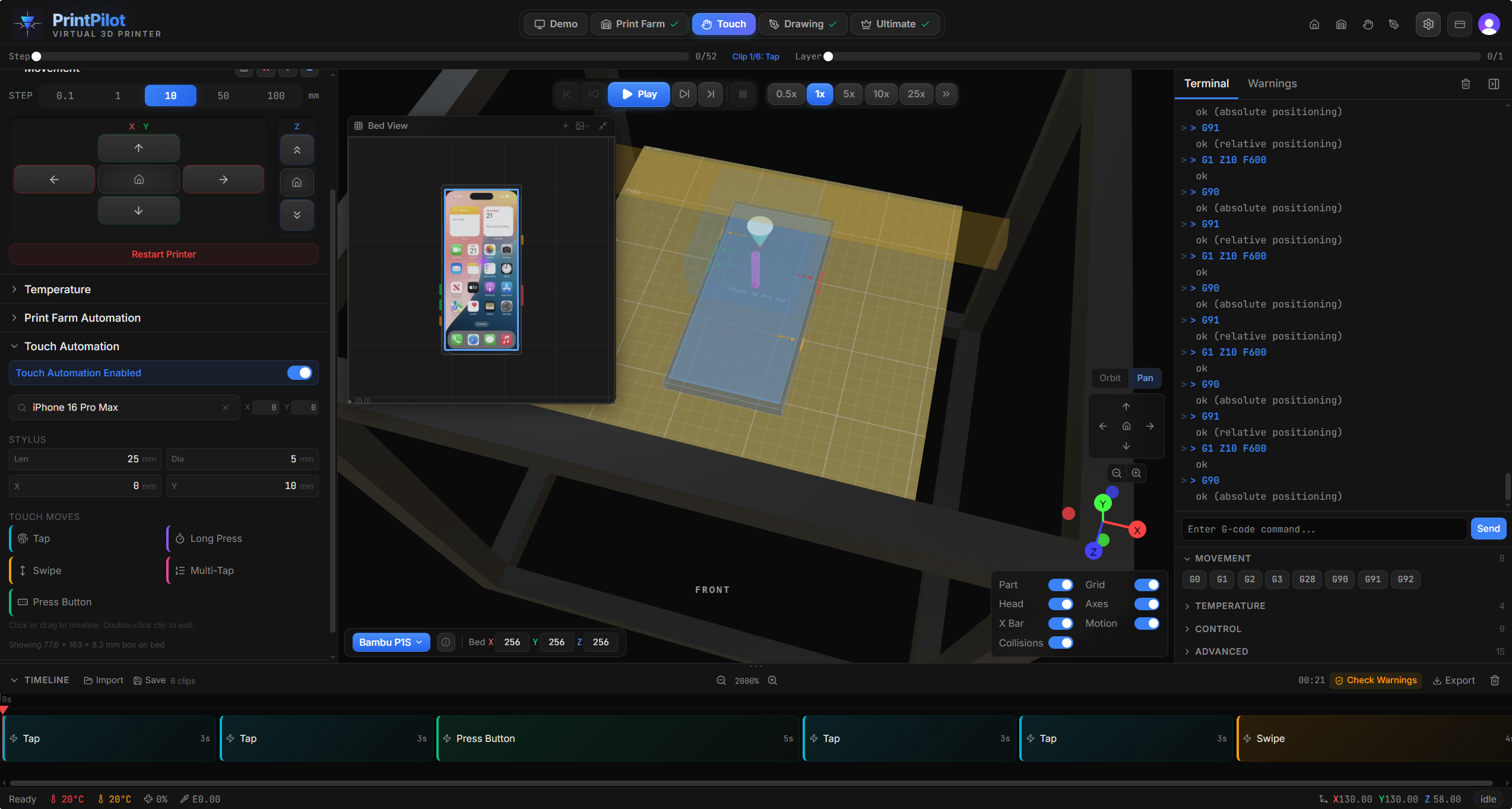
If you already own a 3D printer, you already have everything you need. Print our free stylus mount, attach a capacitive stylus, and start programming precise taps, swipes, long presses, and physical button presses — with sub-millimeter positioning accuracy. No special hardware required.
3D simulation with phone model, stylus, and touch interaction preview
Browse community-designed stylus mounts for your printer, or share your own. Each mount includes offset measurements for PrintPilot calibration. No special hardware to buy.
Ready-to-use interaction patterns that generate valid G-code for your printer.
Single precise tap at any screen coordinate. The stylus descends vertically to touch the screen surface, then retracts. Configurable screen position as X/Y percentage.
Touch and hold at a screen position for a configurable duration. Triggers context menus, drag initiation, or hold-sensitive UI elements.
Linear swipe gesture between two screen coordinates. Control the swipe speed for scrolling, dismissing notifications, or navigating between screens.
Rapid repeated taps at the same screen position. Configurable tap count and interval for double-tap, triple-tap, or custom sequences.
Press a physical side button (volume, power, action) using a horizontal side-approach pattern. The stylus lowers to button height, approaches from the side, and presses with its cylinder surface.
Accurate body dimensions, screen sizes, and button positions for each model.
Every touch coordinate is compensated for your exact hardware setup.
Configure stylus length, diameter, and X/Y offsets from the nozzle. The simulator compensates all touch coordinates so the stylus tip lands exactly where intended.
Cartesian printers (bed-slingers) and CoreXY printers handle Y-axis offsets differently. PrintPilot automatically applies the correct compensation based on your printer's kinematics.
Three collision checks protect your hardware: stylus vs. printed parts, stylus tip vs. bed surface, and stylus cylinder vs. phone body. Warnings appear in real-time during simulation.
Run repeatable touch test sequences across multiple phone models. Verify UI interactions, button responses, and gesture recognition with consistent, measurable precision.
Test screen interactions at precise coordinates to verify touch targets meet accessibility guidelines. Reproduce edge-case tap positions that are hard to hit manually.
Automate repetitive phone interactions for content creation workflows. Program tap sequences for app navigation, screen recording triggers, or social media automation.